
Landscape
How to Install a French Drain: DIY Guide
Oct 16th 2026
A beautiful lawn and garden can become a frustrating mess when water has nowhere to go. A properly i
…
See More


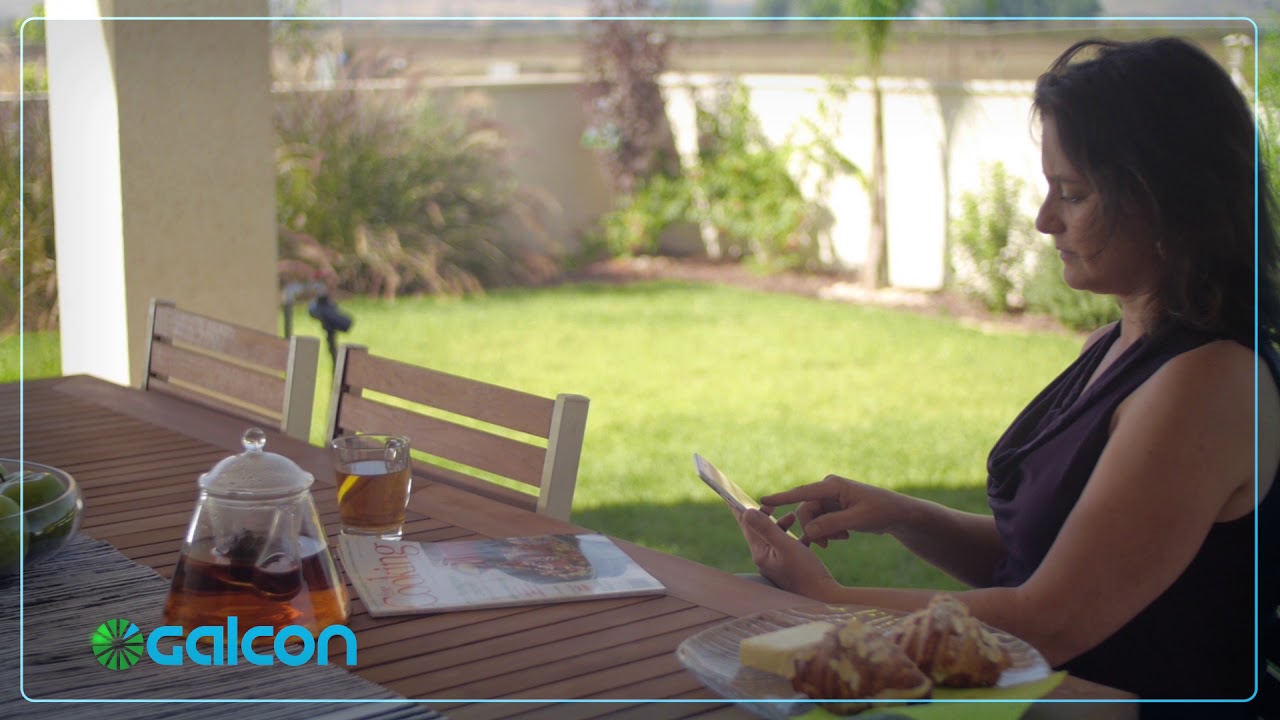
The Galcon Bluetooth Flip Open LCD Timer proves that full-featured irrigation control can come in a brilliantly compact package. Designed specifically for smaller setups like decks, patios, and raised beds, this hose-end timer lets you completely automate your watering schedule either directly from the built-in LCD screen or wirelessly using a smartphone app via Bluetooth. For the best performance, pair this timer with a hose thread pressure regulator and a home garden filter to protect your downstream drip lines.
Built with a sturdy, solid construction, this timer features a protective flip-open front panel that shields the display from the elements and accidental damage. The intuitive LCD display is engineered to automatically power down when not in use, significantly extending the life of your 9-volt battery. Whether you prefer the convenience of app-based programming from 14 to 90 feet away, or the simplicity of pushing buttons at the faucet, this timer ensures your plants are perfectly watered every time.
Detailed specifications for system planning.
| Specification | Details |
|---|---|
| Inlet / Outlet | Standard Female Hose Thread (FHT) / Male Hose Thread (MHT) |
| Flow Range | 0.5 to 5.3 Gallons Per Minute (GPM) |
| Operating Pressure | 15 to 100 PSI |
| Start Times | Up to 4 per day, or cyclical up to every 7 days |
| Watering Duration | 1 minute to 12 hours |
| Bluetooth Range | 14 to 90 feet (depending on surroundings) |
| Power Source | One 9-Volt Industrial Alkaline Battery (Not Included) |
| MPN | GAL1S6G12BT |
| Warranty | 2 Years |
Get your smart watering timer running in just a few simple steps.
Step 1: Install the Battery
Open the watertight battery compartment and insert one fresh 9-volt industrial alkaline battery. Ensure the seal is secure when closing the compartment.
Step 2: Attach to the Faucet
Screw the female hose thread (FHT) inlet of the timer directly onto your outdoor spigot. Hand-tighten only to avoid damaging the threads.
Step 3: Connect Head Assembly
Attach your filter and pressure regulator to the male hose thread (MHT) outlet at the bottom of the timer, followed by your mainline tubing adapter.
Step 4: Program Your Schedule
Flip open the front panel to program using the LCD buttons, or download the companion app on your smartphone to pair via Bluetooth and set your watering days and durations wirelessly.
What is the flow rate range for this timer?
The flow range is between 0.5 and 5.3 gallons per minute (GPM). This makes it ideal for small decks, patios, and compact garden setups.
If you have a very large irrigation system that requires a higher flow rate, you may want to consider a high-flow timer or an inline valve setup.
How far away can I program the timer using Bluetooth?
You can program the timer from 14 to 90 feet away using your smartphone. The exact range depends on physical obstructions and your surroundings.
Thick walls or heavy foliage between your phone and the timer may slightly reduce the maximum communication distance.
What kind of battery does this Galcon timer require?
It requires one 9-volt industrial alkaline battery, which is not included. We strongly recommend using high-quality, name-brand batteries and avoiding rechargeable options.
The LCD display powers down automatically when not in use to help extend the life of your battery throughout the growing season.
Can I program the timer without a smartphone?
Yes, you can program the timer directly using the LCD screen and buttons. The flip-open front panel provides easy access for manual operation and setup.
This dual-programming capability ensures you can always manage your irrigation, even if your phone is unavailable.
Please note the following requirements:
Protect your investment and ensure optimal performance with these essential add-ons:
Oct 16th 2026

Oct 15th 2026
Oct 13th 2026

Oct 12th 2026